

🧰 macOS Essential Utilities
A curated list of useful macOS tools with key features, screenshots, and clear free/paid notes.
1. Amphetamine 🆓
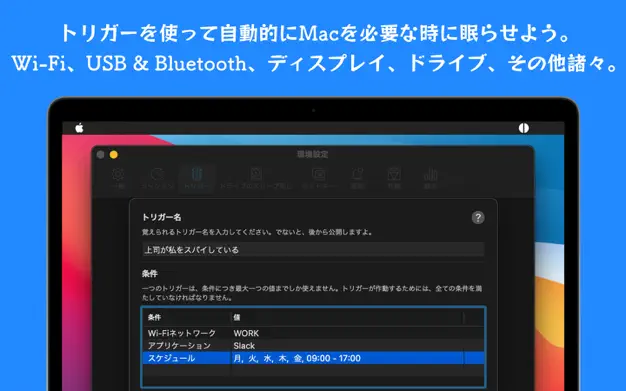
- Description: Prevents your Mac from sleeping with advanced automation.
- Key Features:
- Keep-awake based on apps, downloads, or Wi-Fi
- Timer or trigger-based sessions
- Allow display sleep while system stays awake
- Download: https://apps.apple.com/us/app/amphetamine/id937984704
2. Maccy 🆓 / 💰
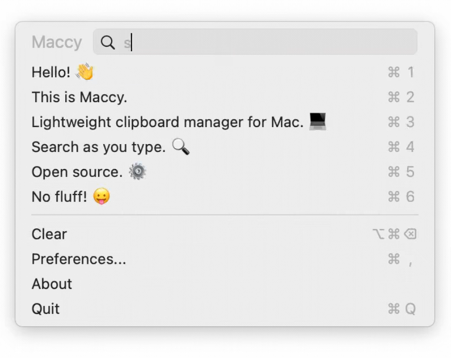
- Description: Lightweight clipboard manager (must-have).
- Key Features:
- Clipboard history search
- Extremely fast and minimal
- Keyboard-first workflow
- Download:
- 🆓 GitHub: https://github.com/p0deje/Maccy/releases
- 💰 App Store: https://apps.apple.com/app/maccy/id1527619437
3. Keka 🆓 / 💰

- Description: A powerful file archiver.
- Key Features:
- Supports 7z / zip / tar / rar
- Compression with encryption
- Drag-and-drop simplicity
- Download:
- 🆓 Official: https://www.keka.io/
- 💰 App Store: https://apps.apple.com/app/keka/id470158793
4. Rectangle 🆓
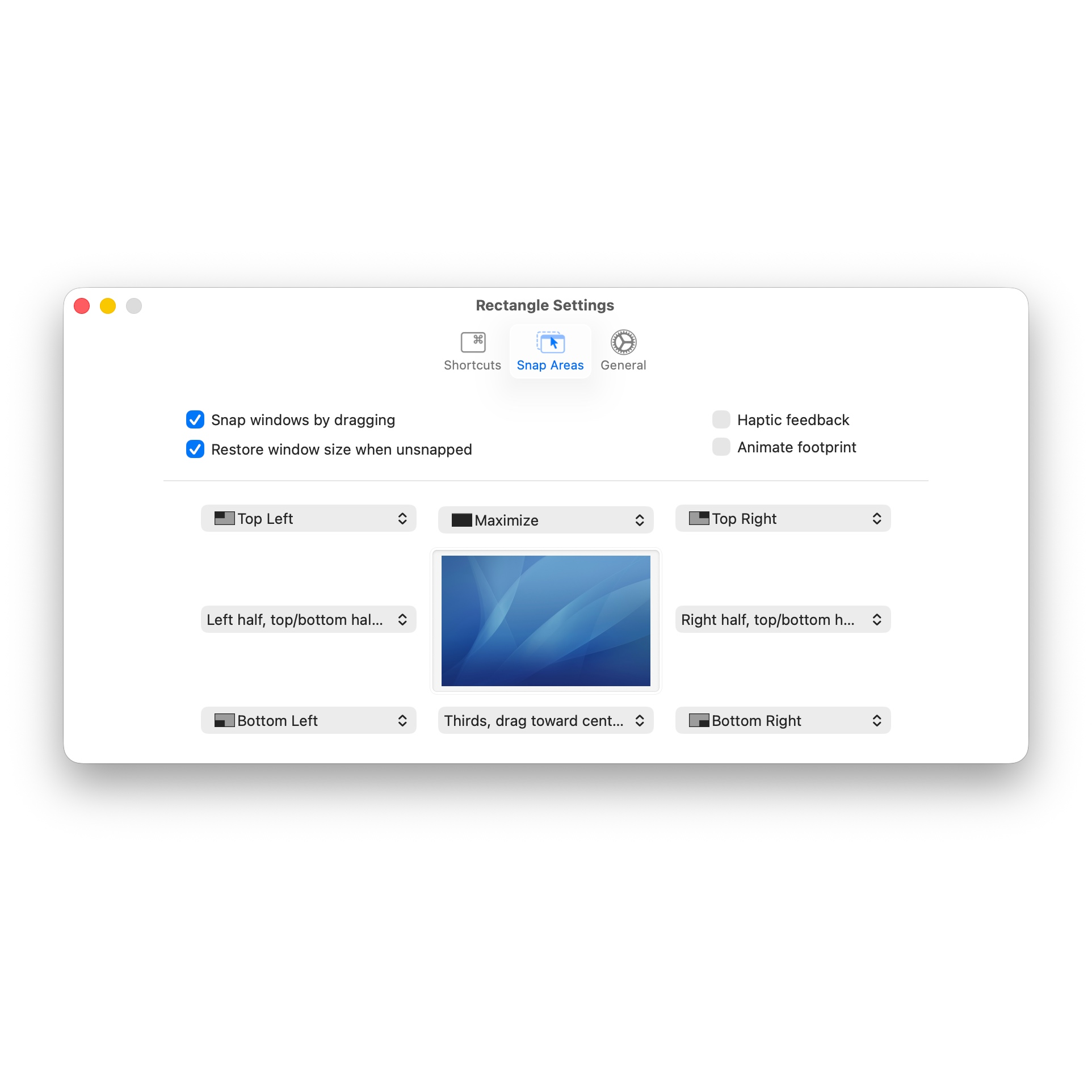
- Description: Window snapping like Windows.
- Key Features:
- Keyboard shortcuts for window management
- Custom layouts
- Download: https://rectangleapp.com/
5. RunCat 🆓

- Description: A fun CPU monitor in the menu bar.
- Key Features:
- Animated cat based on CPU usage
- Lightweight monitoring
- Download: https://apps.apple.com/us/app/runcat/id1429033973
6. BetterDisplay 🆓
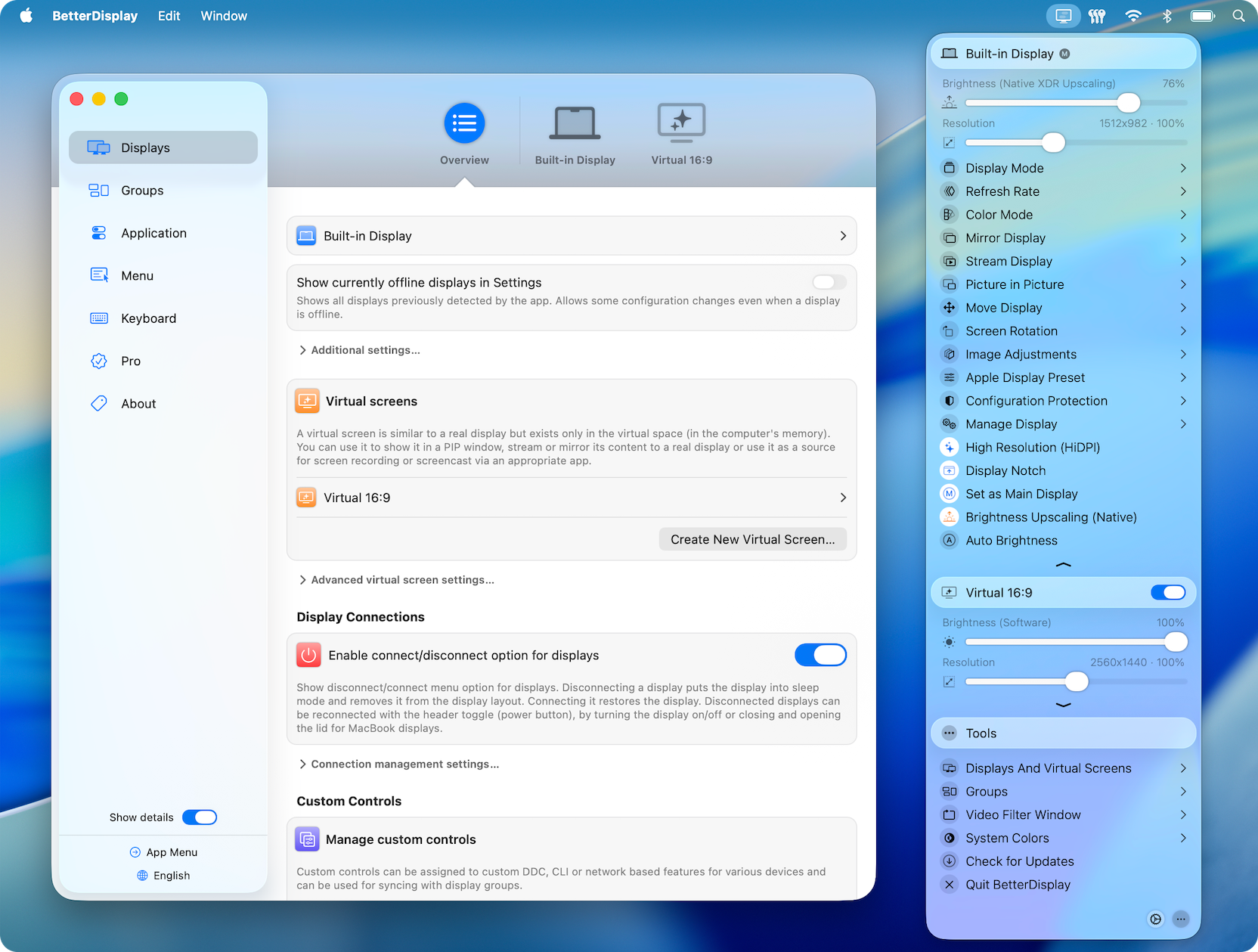
- Description: Advanced display control.
- Key Features:
- Brightness control for external monitors
- Virtual display creation
- Resolution tweaks
- High-DPI support for 3rd-party monitors
- Download: https://github.com/waydabber/BetterDisplay
7. iTerm2 🆓
- Description: A powerful terminal replacement.
- Key Features:
- Split panes
- Search and autocomplete
- Custom profiles
- Download: https://iterm2.com/
8. Oh My Zsh 🆓
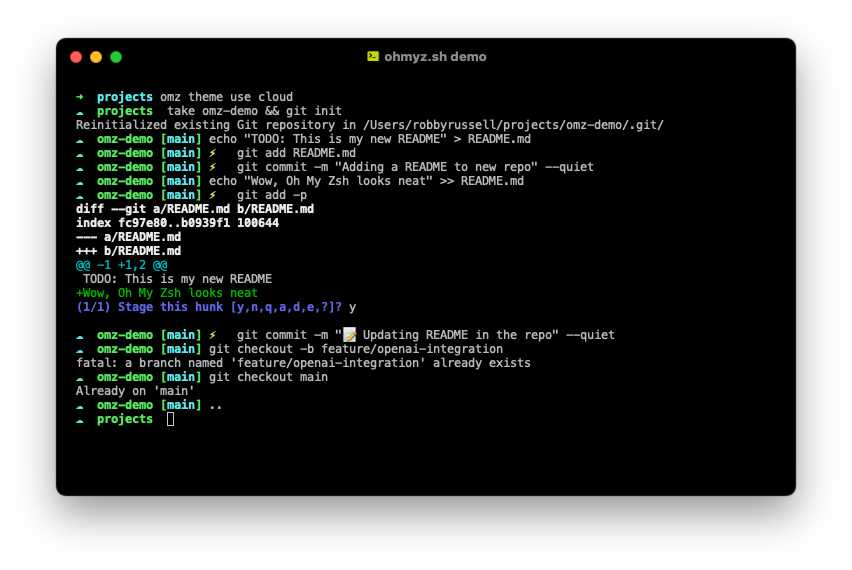
- Description: A Zsh configuration framework.
- Key Features:
- Themes and plugins
- Developer-friendly setup
- Download: https://ohmyz.sh/
9. Mousecape 🆓
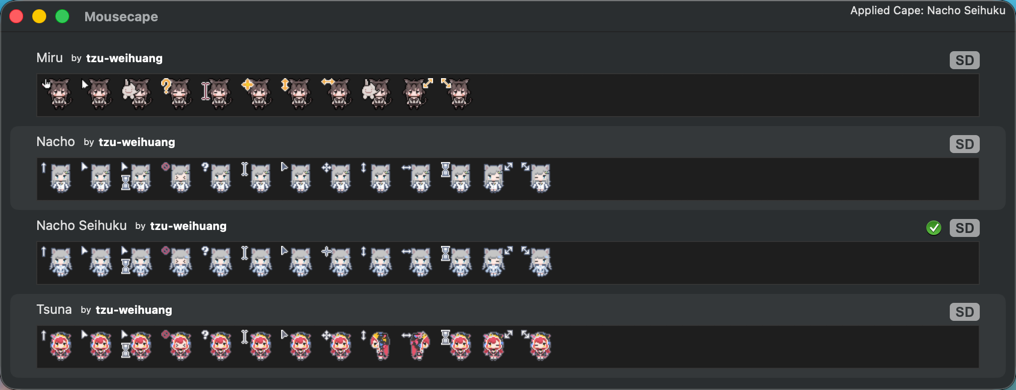
- Description: Custom mouse cursors.
- Key Features:
- Import custom cursor packs
- Modify system cursor behavior
- Download: https://github.com/alexzielenski/Mousecape
- Alternative for Tahoe and later: https://github.com/AdamWawrzynkowskiGF/Mousecape-TahoeSupport/releases/tag/PreRelease-v01
10. IINA 🆓
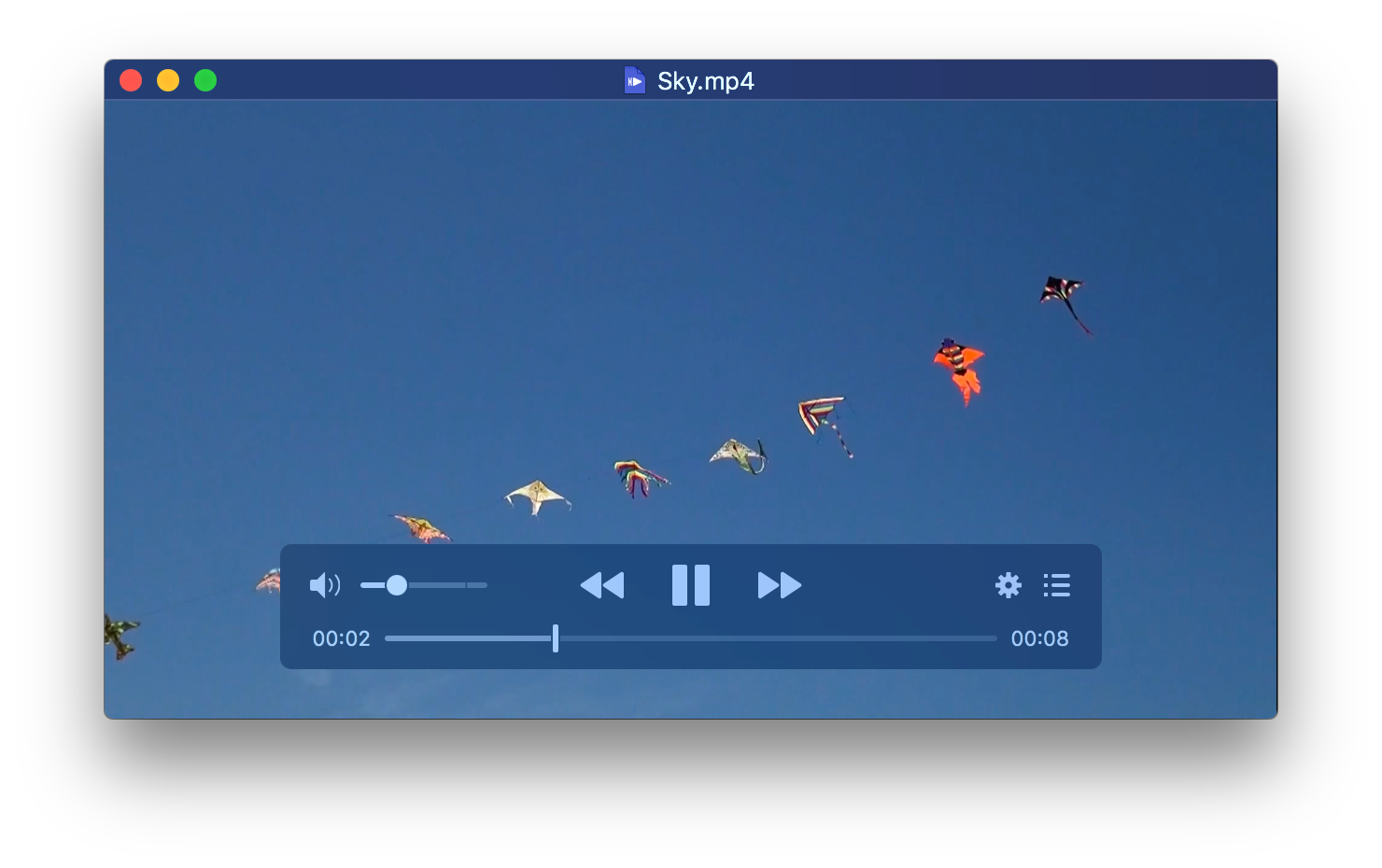
- Description: A modern media player for macOS.
- Key Features:
- Built on mpv
- Clean UI with gestures
- Supports many formats
- Download: https://iina.io/
11. Input Source Pro 🆓

- Description: Auto-switch input methods.
- Key Features:
- Per-app input switching
- Smart language detection
- Download: https://inputsource.pro/
12. Air Battery 🆓
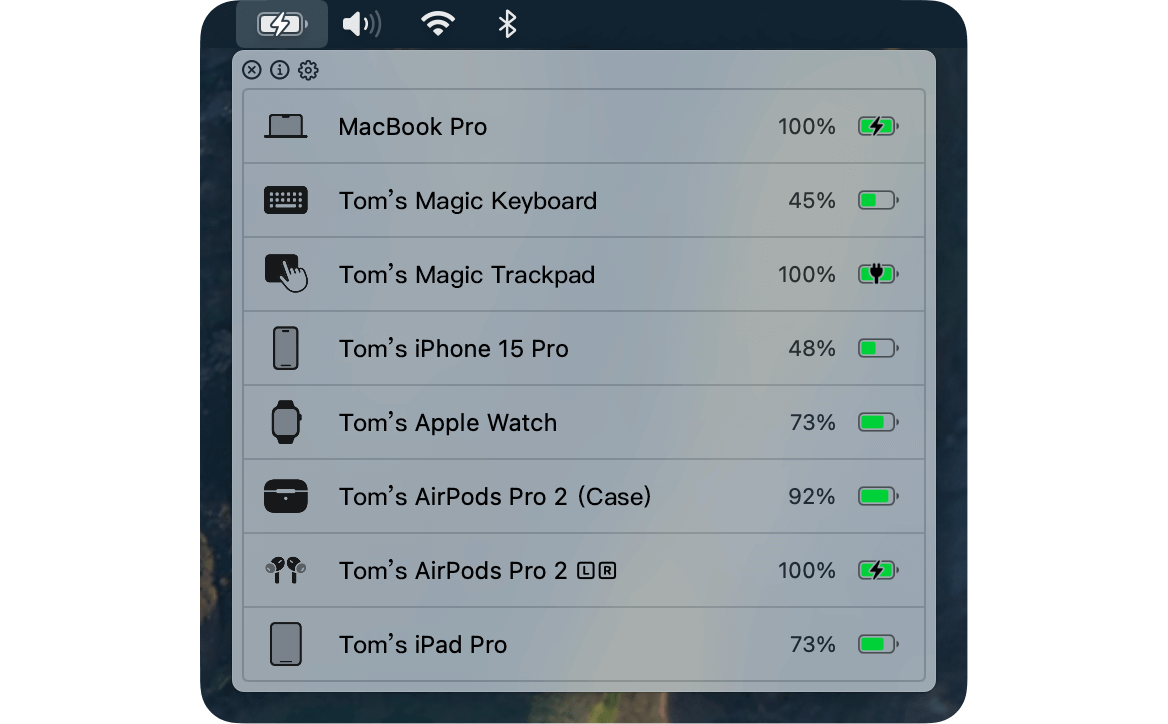
- Description: A battery status monitor for AirPods and other Bluetooth devices.
- Key Features:
- Real-time battery level display
- Notifications for low battery
- Supports multiple device types
- Download: https://lihaoyun6.github.io/airbattery/
13. Coconut Battery 🆓
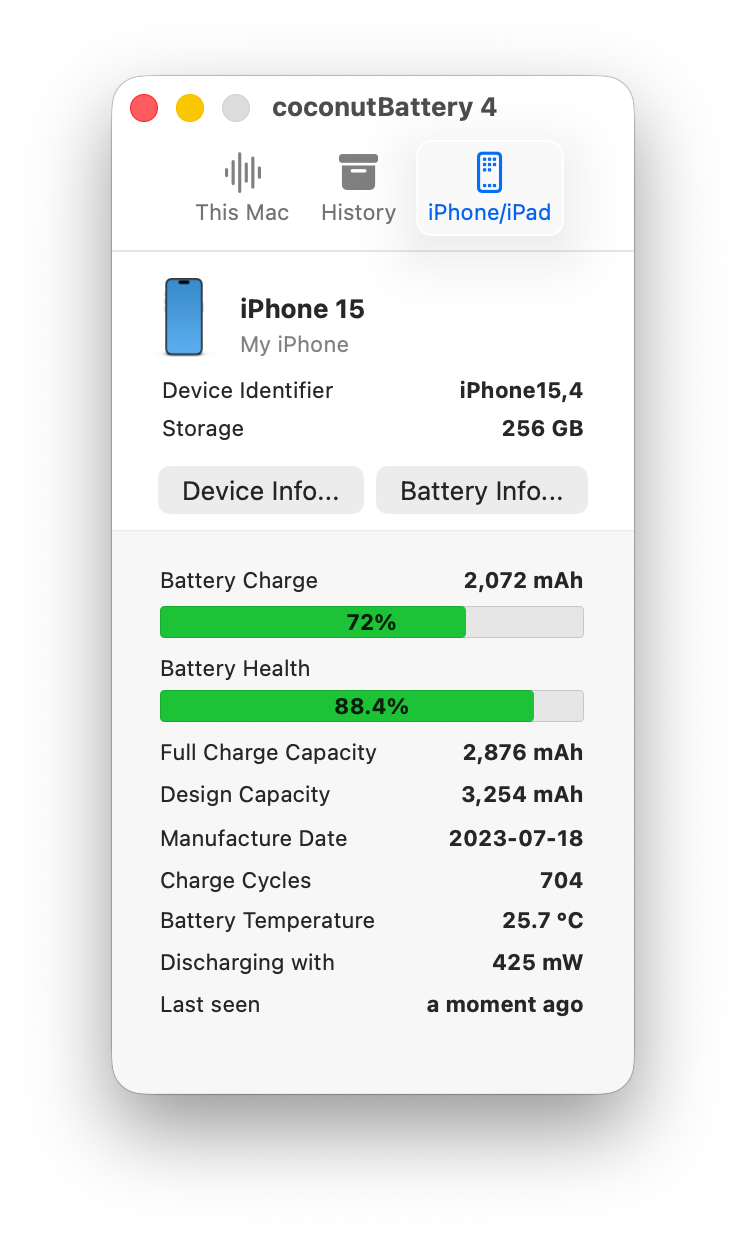
- Description: A detailed battery health monitor for MacBooks and iOS devices.
- Key Features:
- Current charge and capacity
- Battery age and cycle count
- Export battery data and history
- Download: https://www.coconut-flavour.com/coconutbattery/
14. Mole 🆓
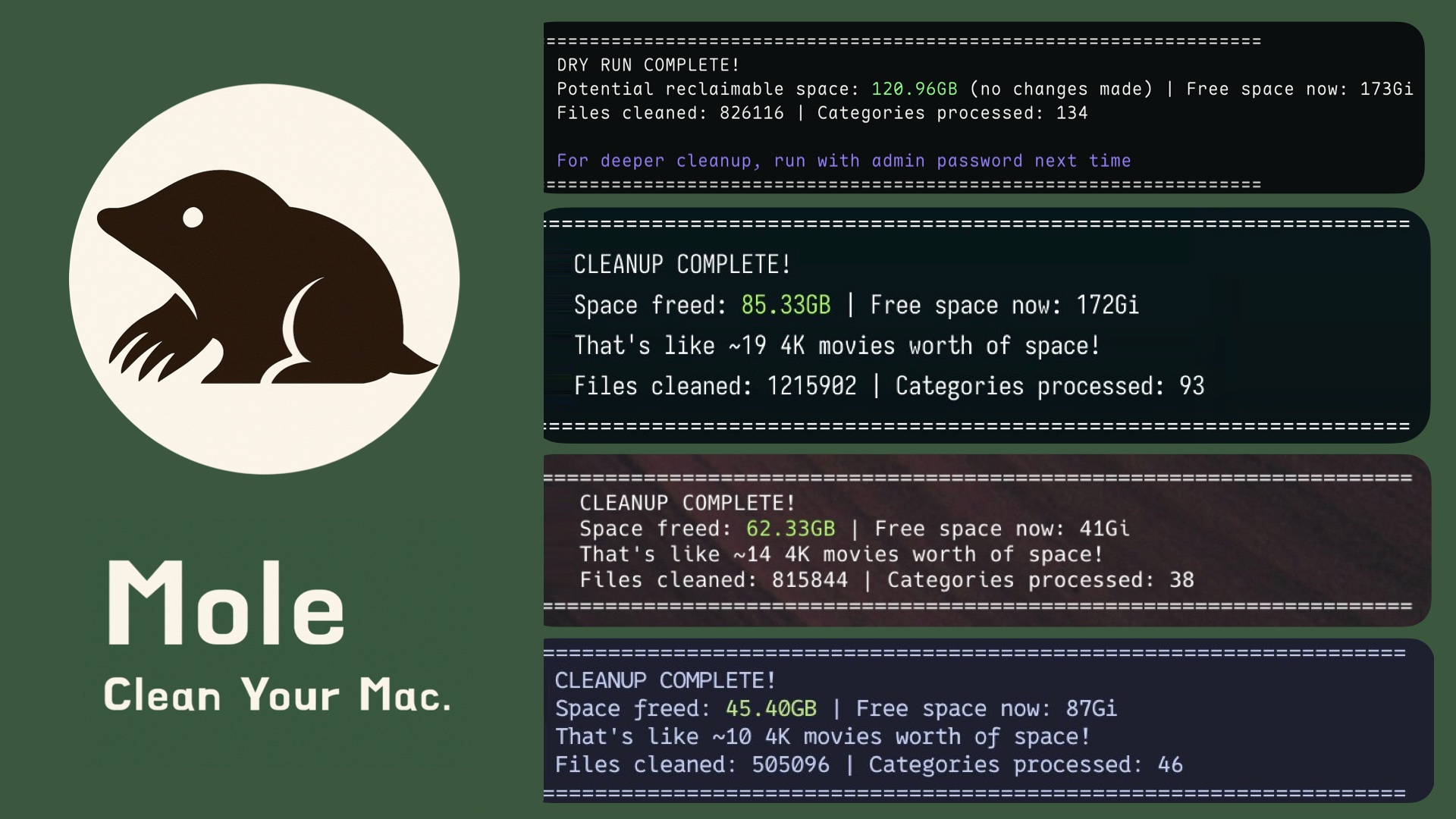
- Description: Deep clean and optimize your Mac with an all-in-one toolkit.
- Key Features:
- Deep cleaning for caches, logs, and leftovers
- Smart uninstaller for apps and hidden remnants
- Real-time system monitoring (CPU, GPU, memory, disk, network)
- Visual disk explorer and usage insights
- Download: https://github.com/tw93/mole
15. Crossover 💰
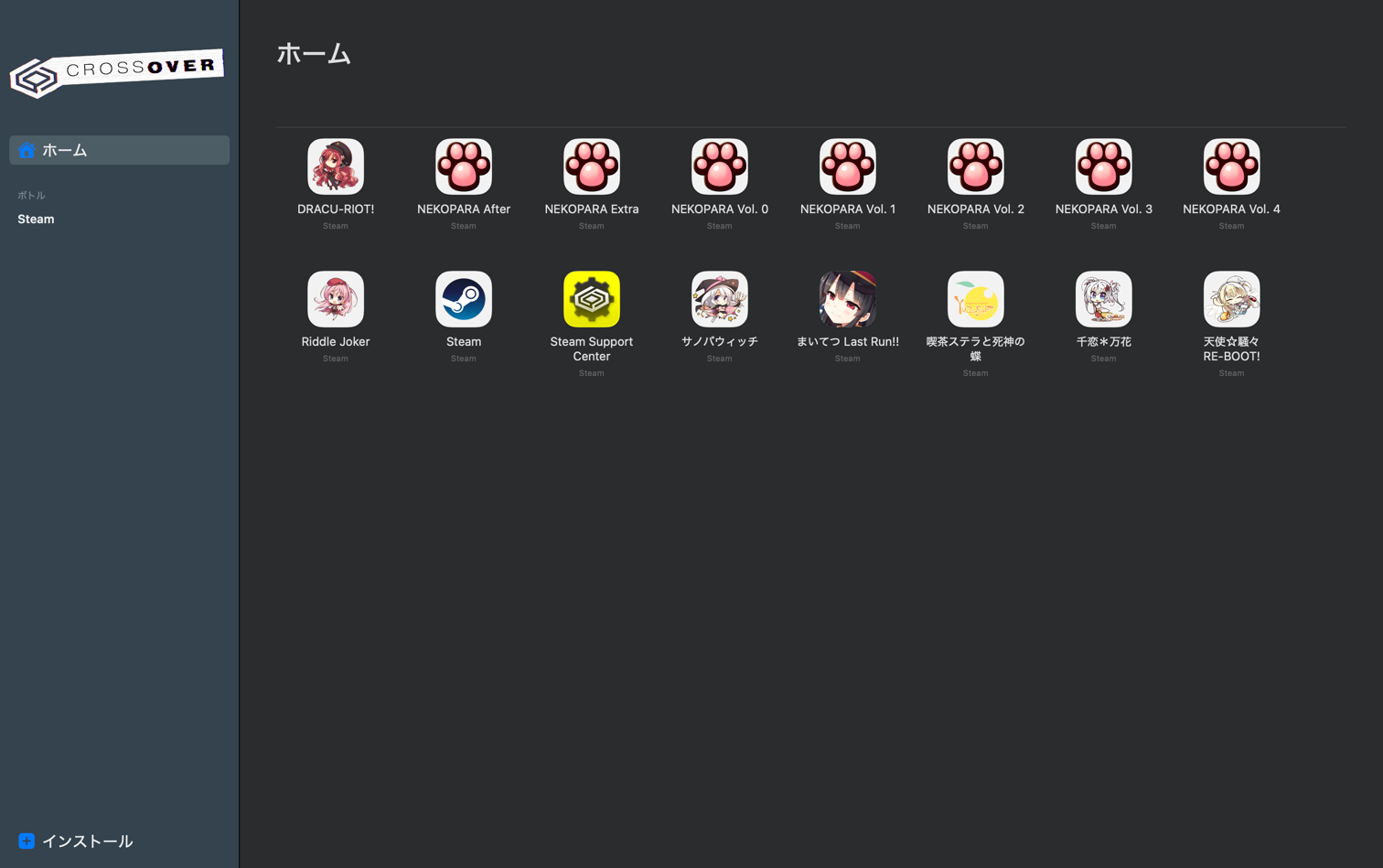
- Description: Run Windows apps on Mac without a Windows license or a VM.
- Key Features:
- High-performance gaming and productivity
- No reboot or virtual machine required
- Easy installation for thousands of Windows programs
- Price: $74.00 USD (12 months of support); 14-day free trial available.
- Download: https://www.codeweavers.com/crossover
Safari Extensions
1. PiPifier 🆓
- Description: Enables Picture-in-Picture for YouTube.
- Key Features:
- One-click PiP button in Safari
- Works with YouTube
- Native macOS PiP interface
- Download: https://apps.apple.com/us/app/pipifier-pip-for-nearly-every/id1160374471
2. Speed Player 🆓
- Description: Controls video playback speed for YouTube.
- Key Features:
- Custom speed presets
- Keyboard shortcuts
- Download: https://apps.apple.com/us/app/speed-player-for-safari/id1521133201
3. URL Linker 🆓
- Description: Automatically turns text URLs into clickable links.
- Key Features:
- Converts plain text URLs to markdown links
- Lightweight and privacy-focused
- Works on any website
- Download: https://apps.apple.com/us/app/url-linker-for-safari/id1289119450
⭐ Notes
- 🆓 = Free
- 💰 = Paid on App Store (may have free alternative)