VisioGrid
Table of Contents
Project Introduction
VisioGrid is a heterogeneous distributed computing platform developed in Rust, focusing on image recognition. The project aims to establish an efficient distributed system for large-scale image recognition processing. By parallel processing tasks in a multi-agent environment, VisioGrid enhances the efficiency and speed of image recognition.
Main Features
- High Efficiency: Thanks to Tokio's asynchronous runtime and efficient I/O processing, VisioGrid can quickly handle large amounts of image data.
- Stability: Through real-time monitoring of agents and proactive error handling, the system runs stably, avoiding program crashes.
- Image Recognition: Supports multiple image recognition models, flexibly adapting to different application scenarios.
Tech Stack
- Rust: Fully utilizes Rust's high performance and safety features to ensure efficient system operation.
- Actix Web: Provides a user-friendly web management interface for easy system management and monitoring.
- Tokio: Uses Tokio's asynchronous runtime for performance optimization, improving I/O processing efficiency.
- GStreamer: Used for handling media streams and content, supporting efficient processing of multimedia data.
- Ultralytics: Integrates Ultralytics for image recognition, supporting multiple advanced image recognition models.
Installation and Running
System Requirements
- Nvidia GPU: This program can only run on machines equipped with Nvidia GPUs.
Compile from Source Code
Management Node
- Clone the Repository
git clone https://github.com/DaLaw2/VisioGrid cd VisioGrid - Install Required Packages
bash Build/ManagementDepend.sh - Compile the Project
cargo build --release --package Management - Edit Configuration File
vim management.toml - Run the Node
cargo run --package Management --release
Agent Node
- Clone the Repository
git clone https://github.com/DaLaw2/VisioGrid cd VisioGrid - Install Required Packages
bash Build/AgentDepend.sh - Activate Virtual Environment and Install Dependencies
python3 -m venv AgentVenv source AgentVenv/bin/activate pip3 install -r Build/requirements.txt - Compile the Project
cargo build --release --package Management - Edit Configuration File
vim agent.toml - Run the Node
cargo run --package Agent --release
Using Docker
VisioGrid provides Docker containers that include all necessary dependencies, eliminating the need for manual installation.
- Create Docker Network
docker network create VisioGrid - Build the Management Node Container
cd Build docker build -t management -f ManagementDockerfile - Run the Management Node Container
docker run -it --rm --gpus all --network VisioGrid -p 8080:8080 management - Build the Agent Container
cd Build docker build -t agent -f AgentDockerfile - Run the Agent Container
docker run -it --rm --gpus all --network VisioGrid agent
Usage
Access http://localhost:8080 via a web browser to view the management interface. The management interface provides system monitoring and management functions, allowing users to view system status, add agent nodes, check task progress, etc.
-
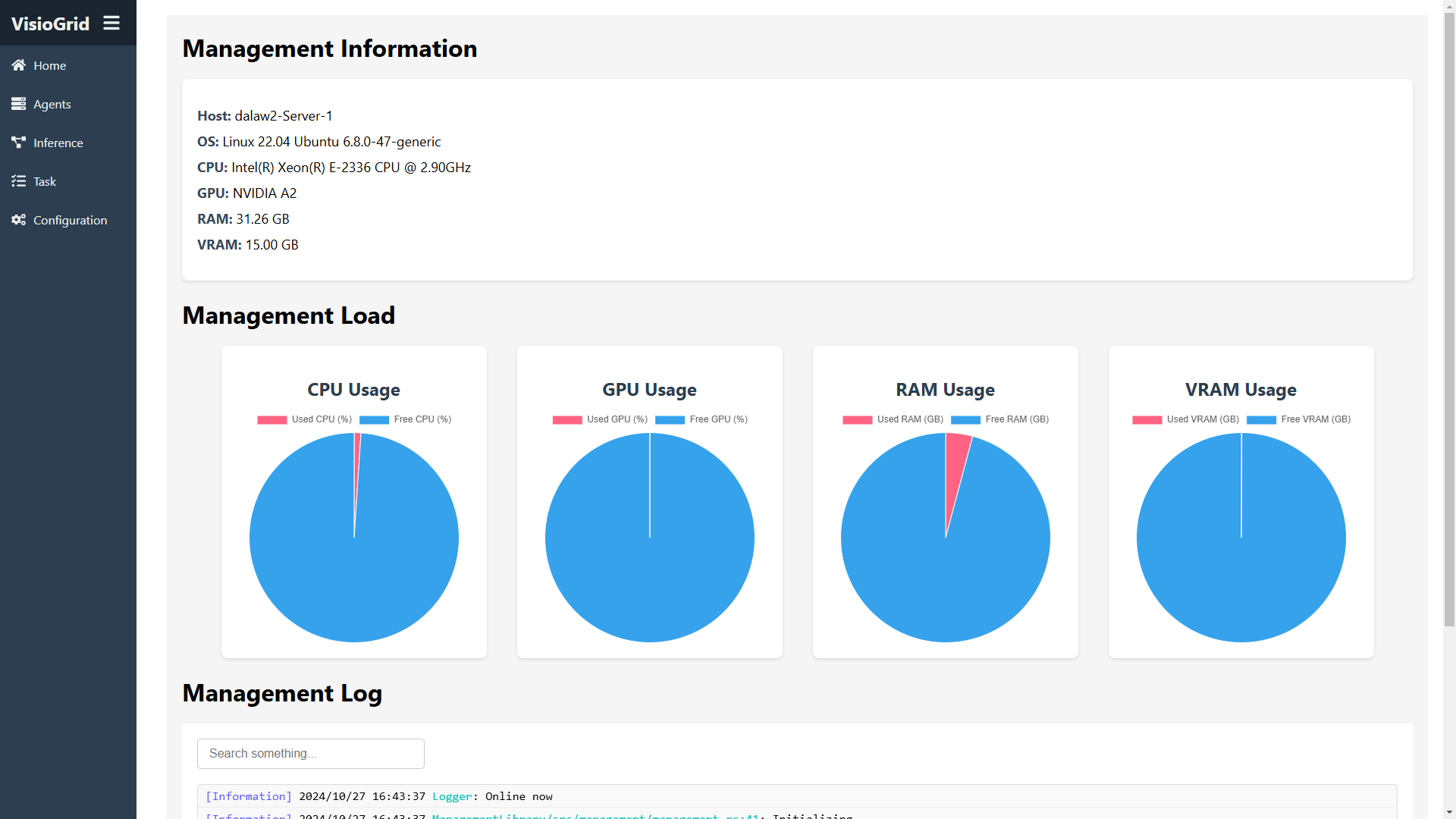
The Home page provides an overview of the system, including system information, system load, and system logs.
-
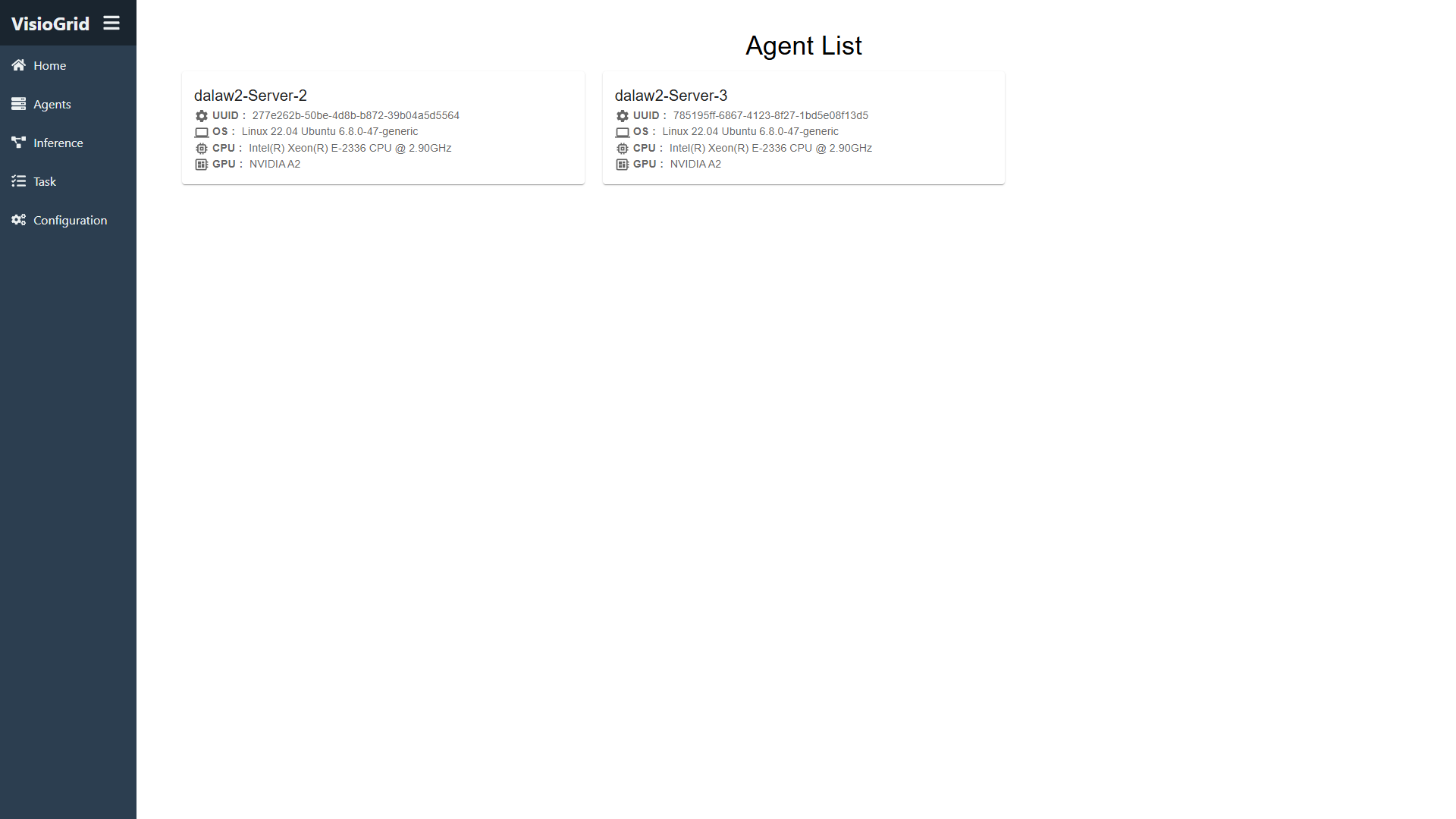
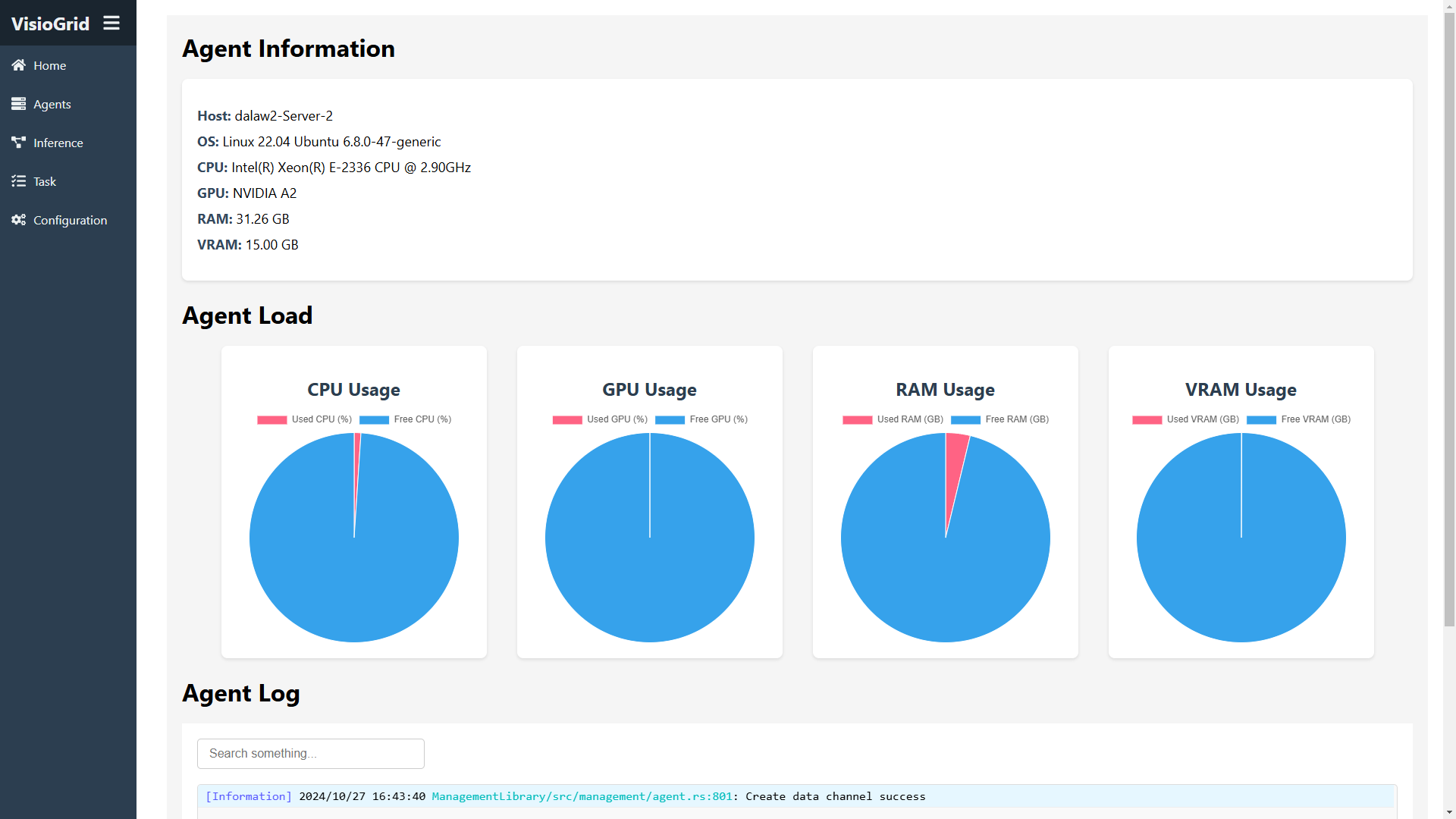
The Agents page displays all connected agent nodes. Clicking on an agent reveals more detailed information.
-
The Inference page allows you to create a new inference task. After selecting a model and image, you can submit it.

-
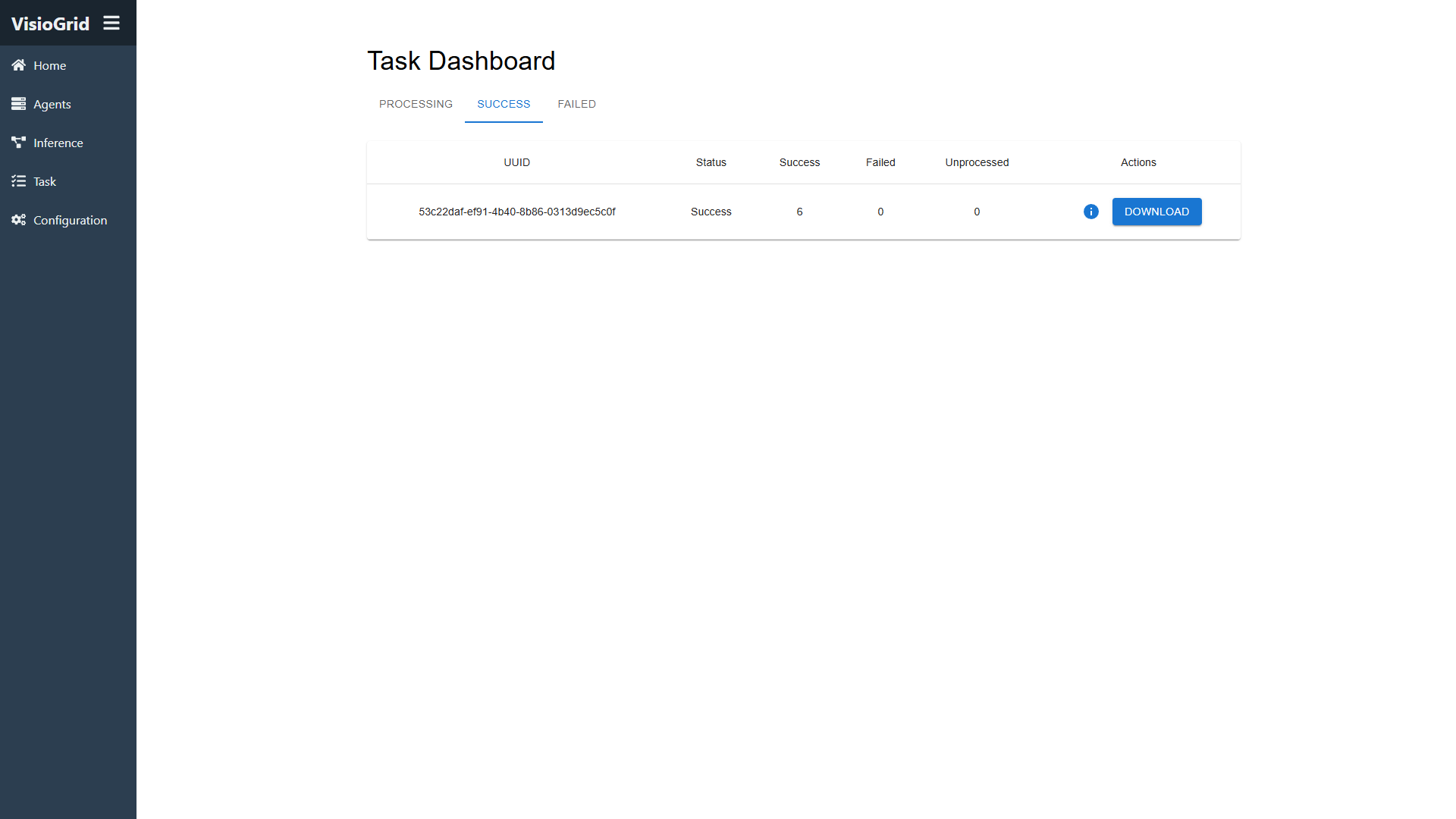
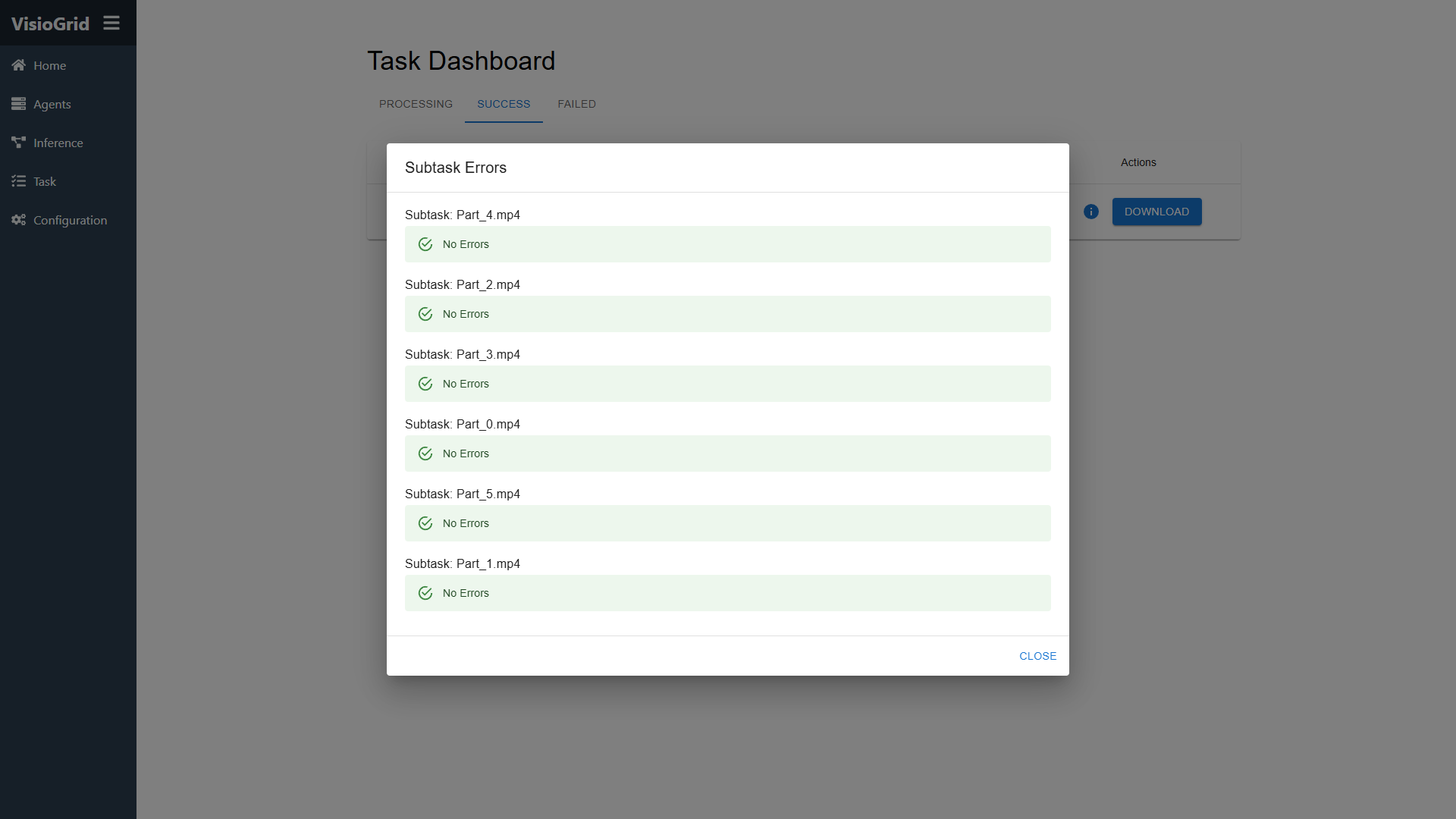
The Tasks page lists all tasks that are in progress, successful, or failed. You can view the execution status of each subtask.
-
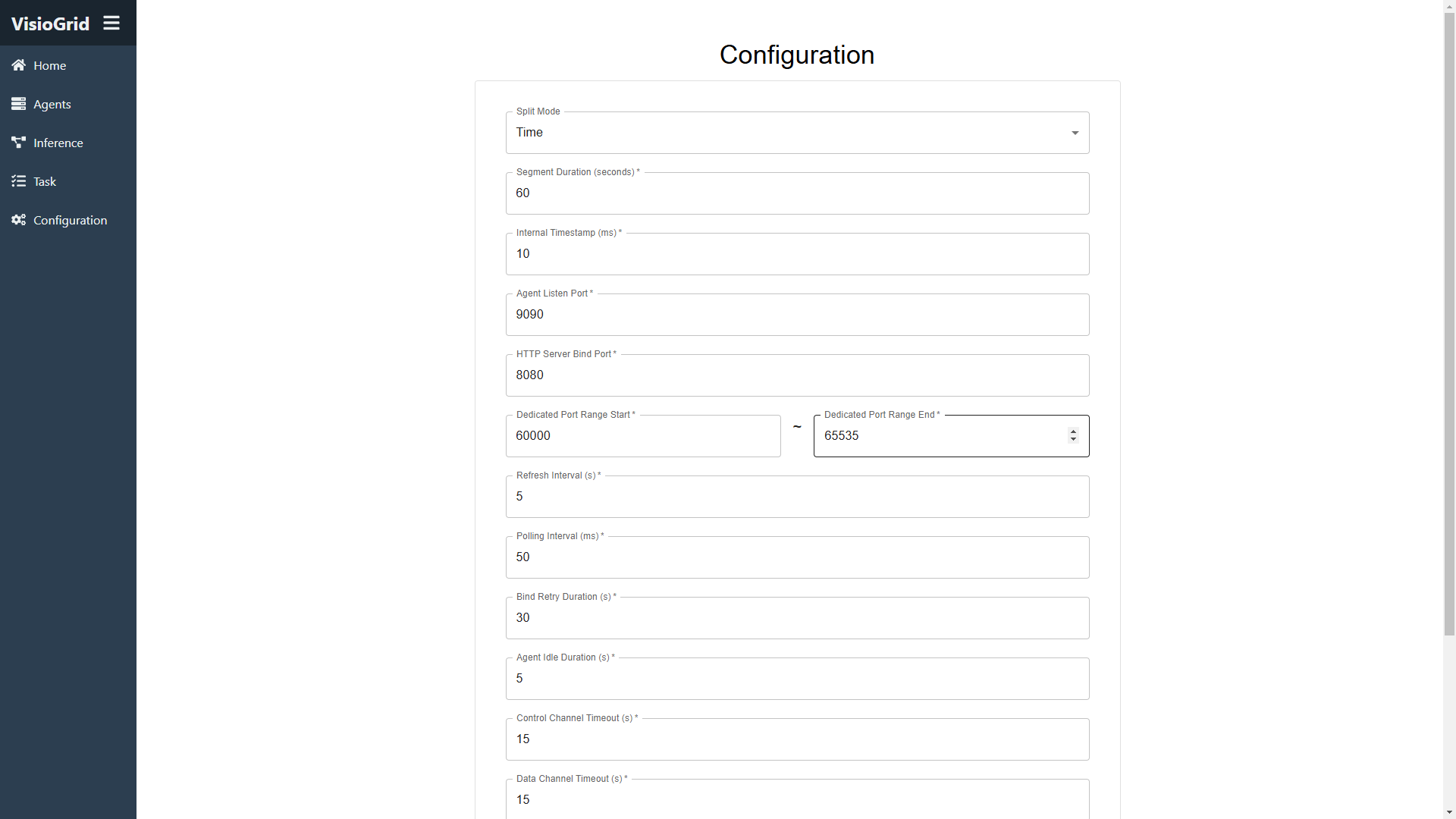
The Configuration page provides system configuration options, allowing users to modify system settings.